Written for:Property AdminAgency ManagerCommittee PresidentCommittee SecretaryTreasurerCommittee Member+3
Agency staff, duty roster and agency bills
Plan who guards and cleans each shift, record who came, and check the agency's monthly bill against real attendance.
Weekly duty rosterAgencies and their registration
Steps
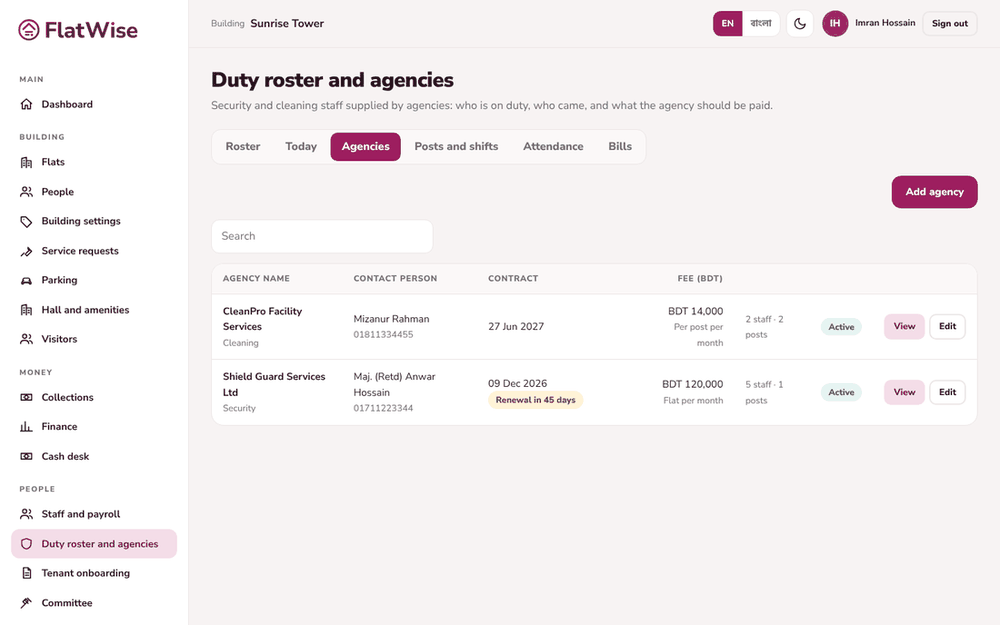
Admin: open Duty roster and agencies, Agencies tab, and add the agency with licence numbers, contract dates and fee. Add the posts (for example Main gate) and shifts.
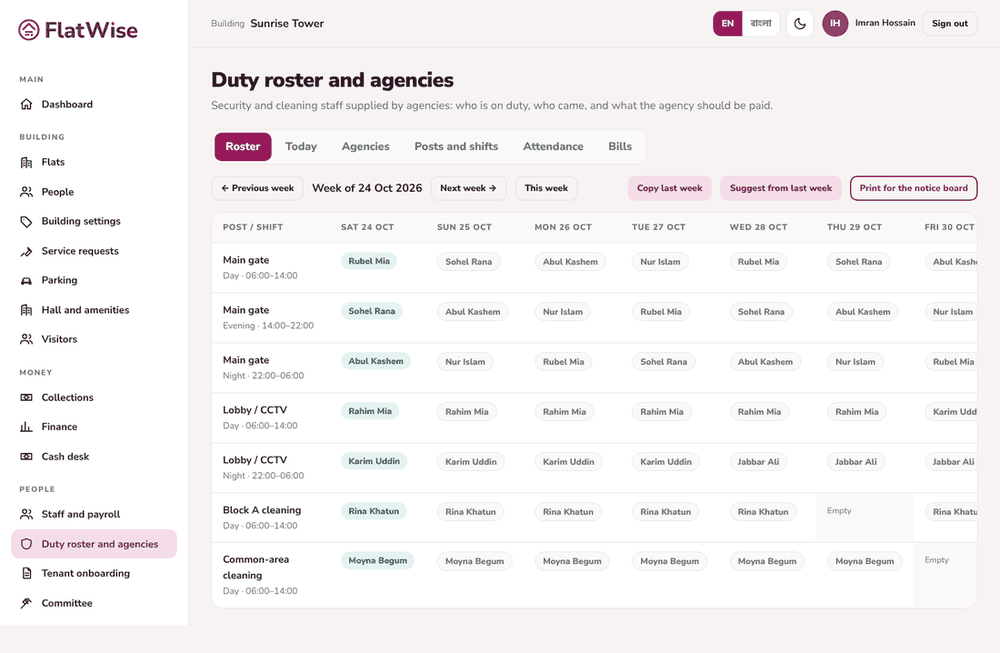
Add the agency's people, then use the Roster tab to assign people to each post and shift for the week. Copy last week saves time. FlatWise warns about two shifts in a day, more than 12 hours or seven days in a row.
Caretaker or guard: open Today and tap a person to mark Present, Late, Absent or On leave. If someone is absent press Ask the agency for a replacement.
Admin: in Bills, choose the agency and month. FlatWise shows the contract amount, the deduction for missing shifts and the expected bill.
Record the agency's invoice. It becomes a normal expense and follows the usual approval.
Tips
Press Print for the notice board to put the weekly roster on the wall.
Residents see who is on duty now on their dashboard.