Written for:Agency ManagerProperty AdminFlat OwnerTenantCaretakerCommittee President+6
Your privacy and deleting your account
Ask FlatWise to erase your personal details. The building's books stay correct.
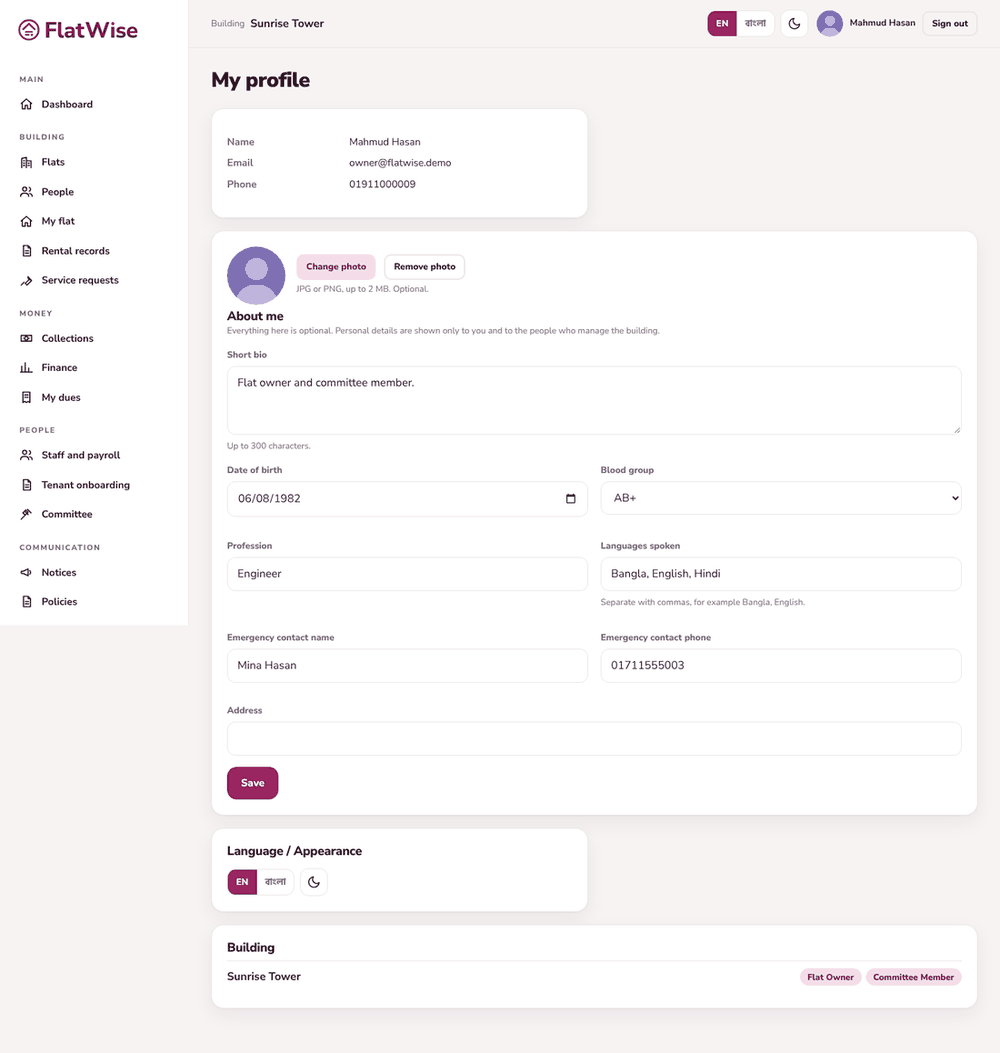
My profile
Steps
Open Profile and find Delete my account.
Enter your password and, if you like, a short reason, then send the request.
FlatWise staff process it. Your name, email, phone, photo, profile details and sign-in are erased, and you are signed out everywhere.
Invoices, payments and the ledger stay, because they are the building's financial records, but they carry no name of yours. Old activity log lines keep only a number.
You can withdraw the request any time before it is processed.
Tips
If you are the only property admin of a building, hand over the role first, or the request cannot be processed.
FlatWise uses no advertising or tracking cookies. The only browser storage is your sign-in, language and day or night choice.