Add a photo, choose Bangla or English and switch between day and night.
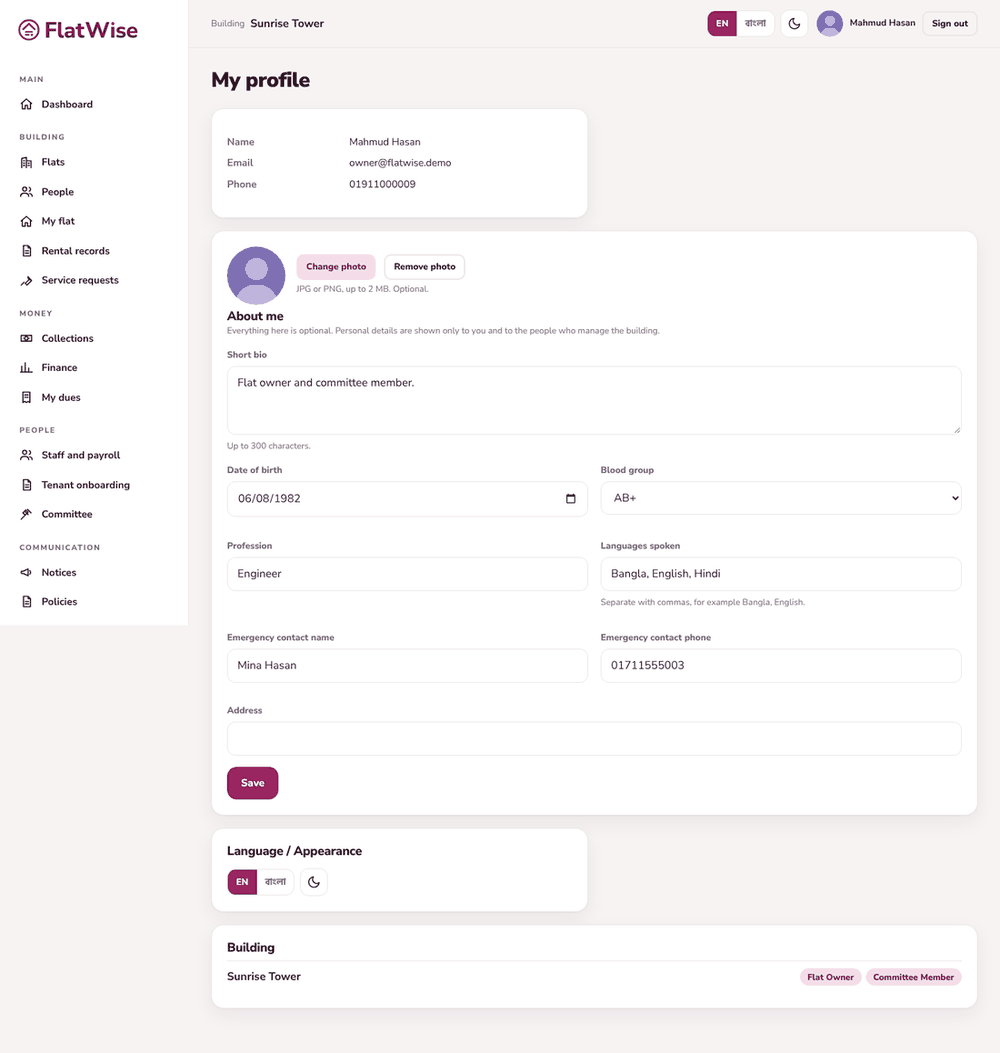 My profile with photo and optional details
Steps
- Open Profile from the bottom of the menu.
- Press the photo circle to add a picture (JPG or PNG). Remove or replace it the same way.
- Fill the optional details such as blood group or emergency contact only if you want to. Nobody is forced to.
- Use the language button at the top to switch the whole screen between English and বাংলা. FlatWise remembers your choice.
- Use the sun or moon button for day or night colours.
Tips
The screen shows one language at a time. Names and notices appear in Bangla when you choose Bangla and a Bangla version exists.
Money always shows with Latin digits and BDT in both languages, so nobody misreads an amount.
Still stuck? Contact support
Tell us the screen, what you tried and what you saw. Do not send passwords.
Hours
[SUPPORT HOURS, for example Sat to Thu, 9:00 to 18:00]Send us a message

