Written for:Flat OwnerTenantOwner's Representative
Rental records between owner and tenant
A private space for the agreement, monthly rent, repair issues and follow-ups. Neither the admin nor the committee can see inside.
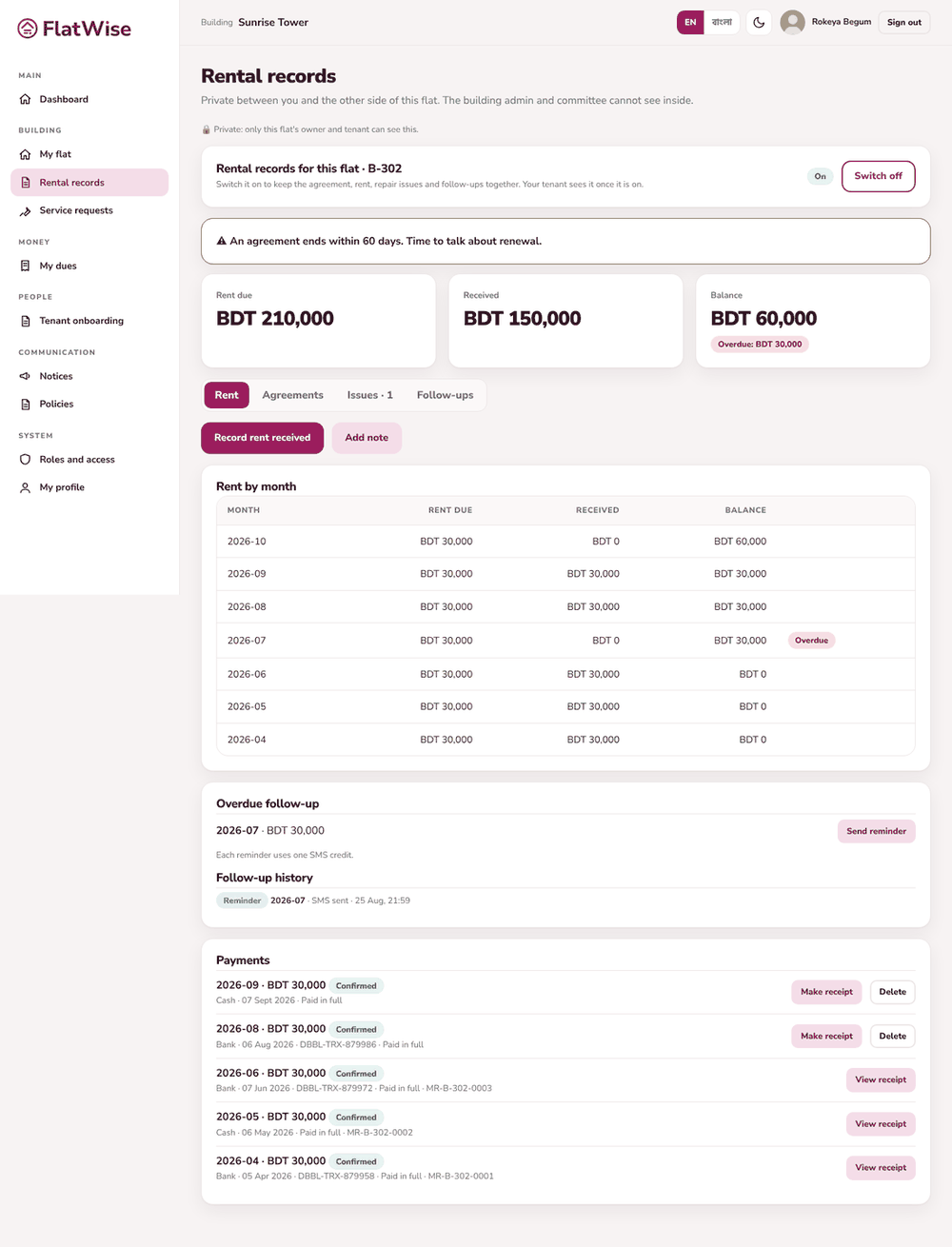
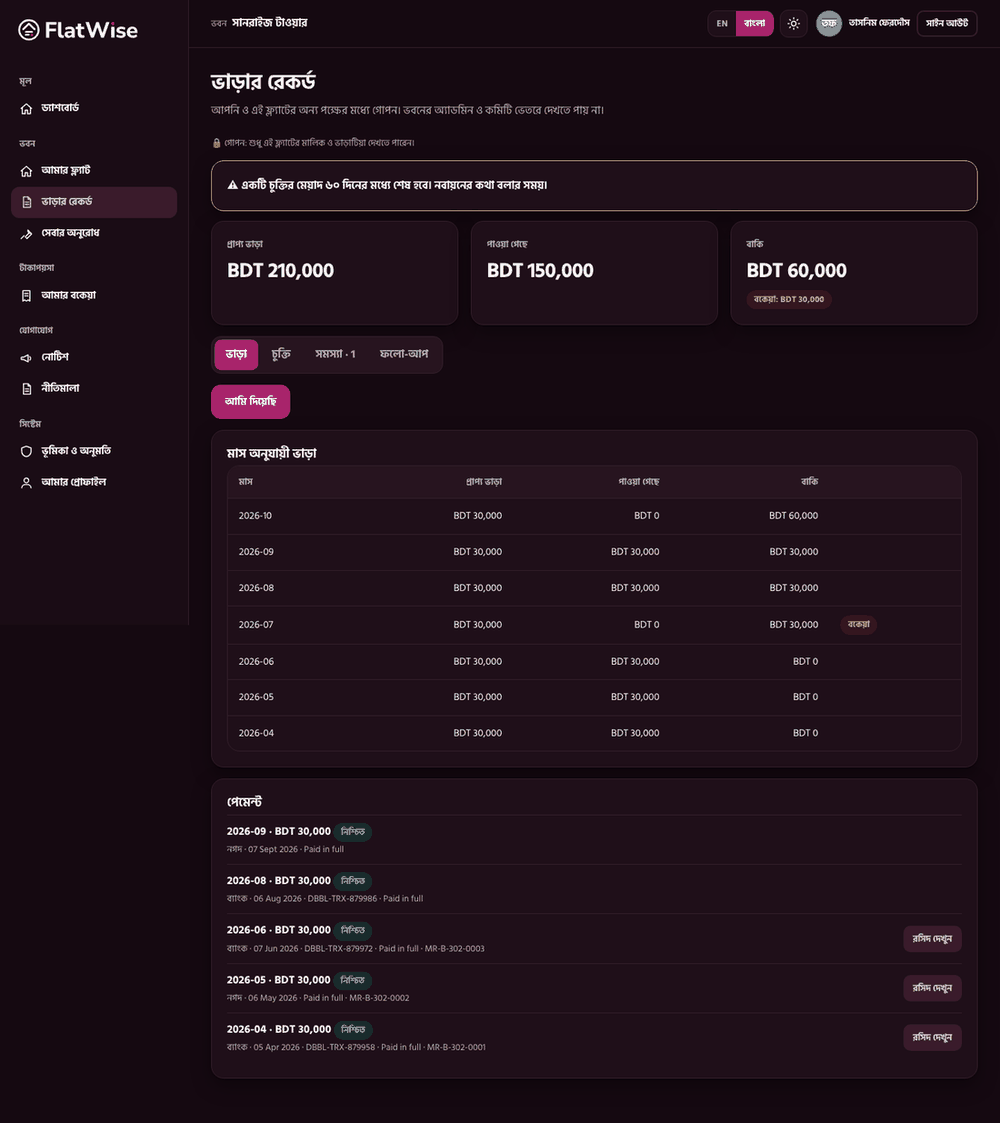
An owner's rental recordsThe tenant's side
Steps
Owner: open Rental records and switch it On for your flat. The tenant sees it only once it is on.
Agreements tab: add the agreement with dates, rent, advance and the file (PDF, JPG or PNG). A banner warns when it ends within 60 days.
Rent tab: the owner records rent received. The tenant can press I paid; the owner confirms or says Not received. Make a rent receipt for any confirmed payment.
Issues tab: either side raises an issue with a photo, comments and the cost when it is fixed.
Follow-ups tab: see overdue rent, send an SMS reminder (one credit) and keep notes like Said he will pay on Friday.
Tips
Switching it off hides everything from the tenant but your records are kept.
This is separate from service charge, which the building collects.