Prepare a monthly salary sheet, add the Eid bonus, get it approved by a second person, pay, and send payslips by SMS.
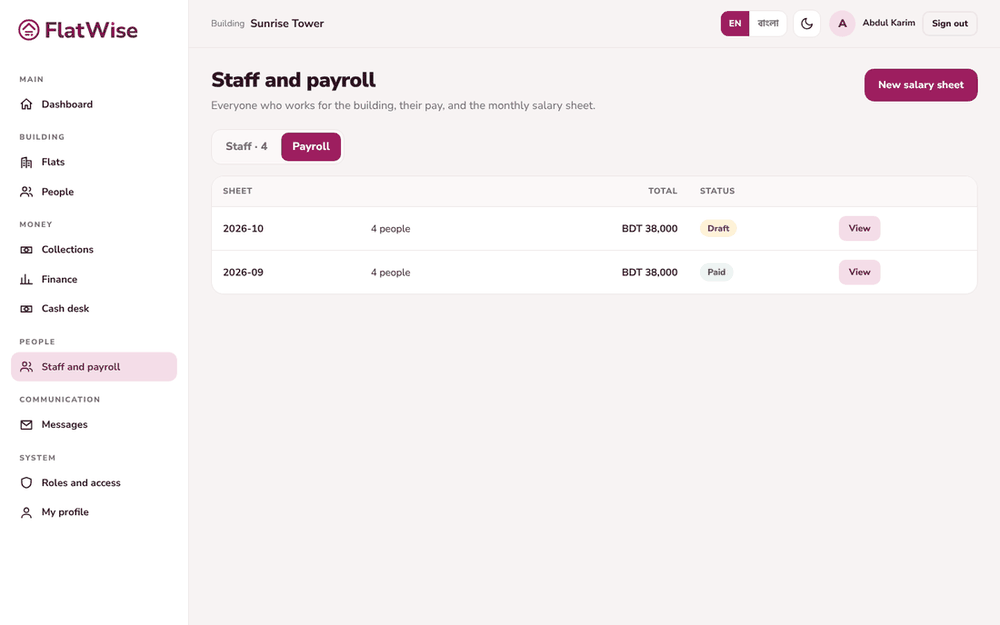 Salary sheets
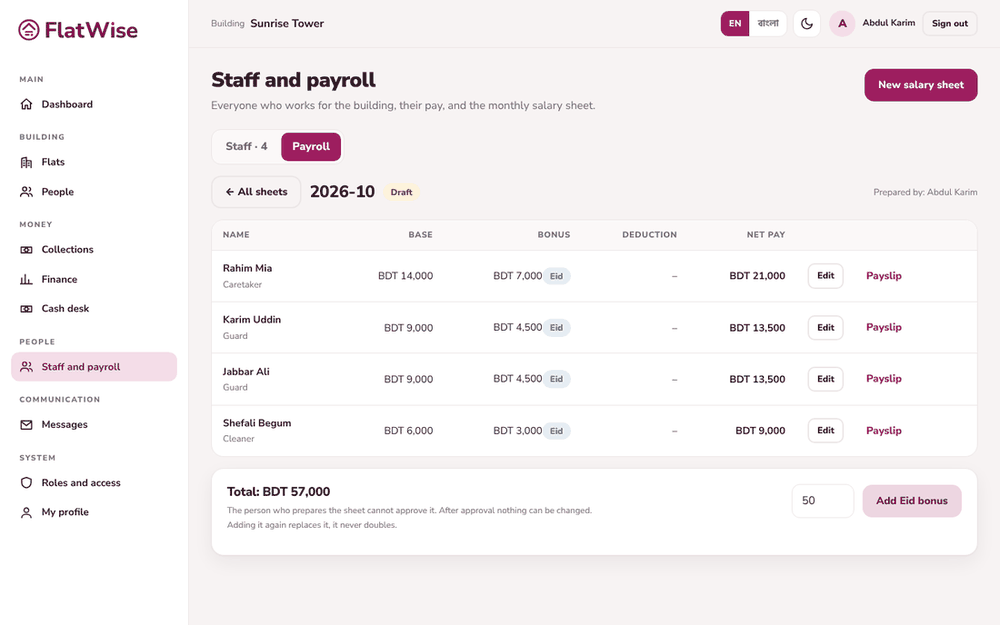 A draft sheet with Eid bonus
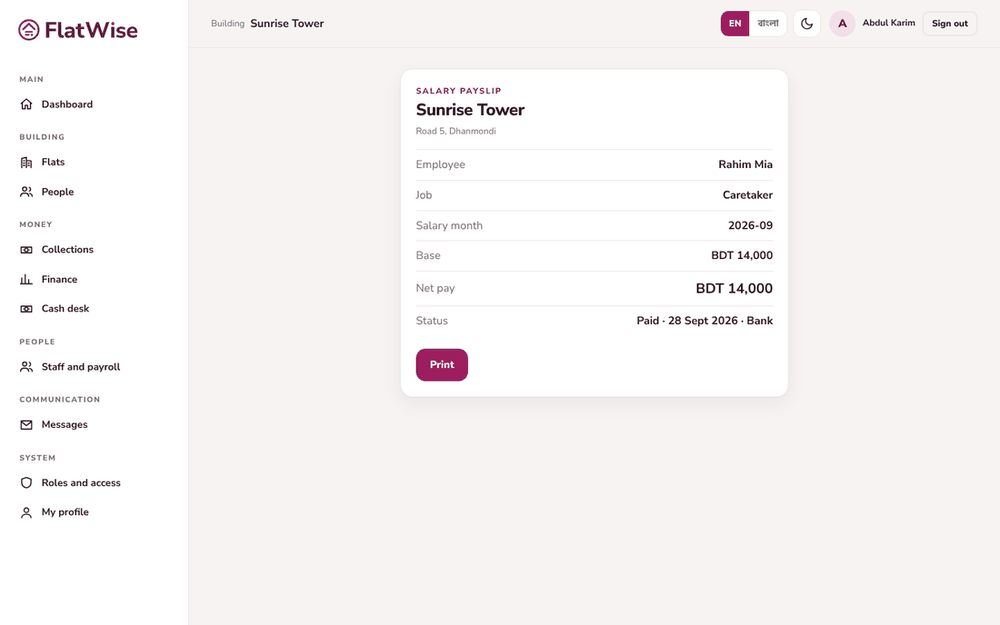 A payslip
Steps
- Open Staff and payroll, Payroll tab, and press New salary sheet. Enter the month as YYYY-MM.
- The draft lists every working staff member with base pay. Add a bonus, a deduction or a note on any line.
- For Eid, press Add Eid bonus and enter the bonus as a percentage of base pay. Adding it again replaces it, it never doubles.
- A different person from the one who prepared the sheet presses Approve sheet. After approval nothing can be changed.
- Press Pay and send payslips, choose how it was paid. Each person gets an SMS payslip and a payslip page you can print.
Tips
The person who prepares the sheet cannot approve it.
Payslips use SMS credits. People with no phone number show as could not be sent.
Still stuck? Contact support
Tell us the screen, what you tried and what you saw. Do not send passwords.
Hours
[SUPPORT HOURS, for example Sat to Thu, 9:00 to 18:00]Send us a message

