Written for:Property AdminAgency ManagerCommittee PresidentCommittee SecretaryTreasurerCommittee Member+6
Parking and vehicles
Parking goes with the flat. Register vehicles, hand out slots and check a plate at the gate.
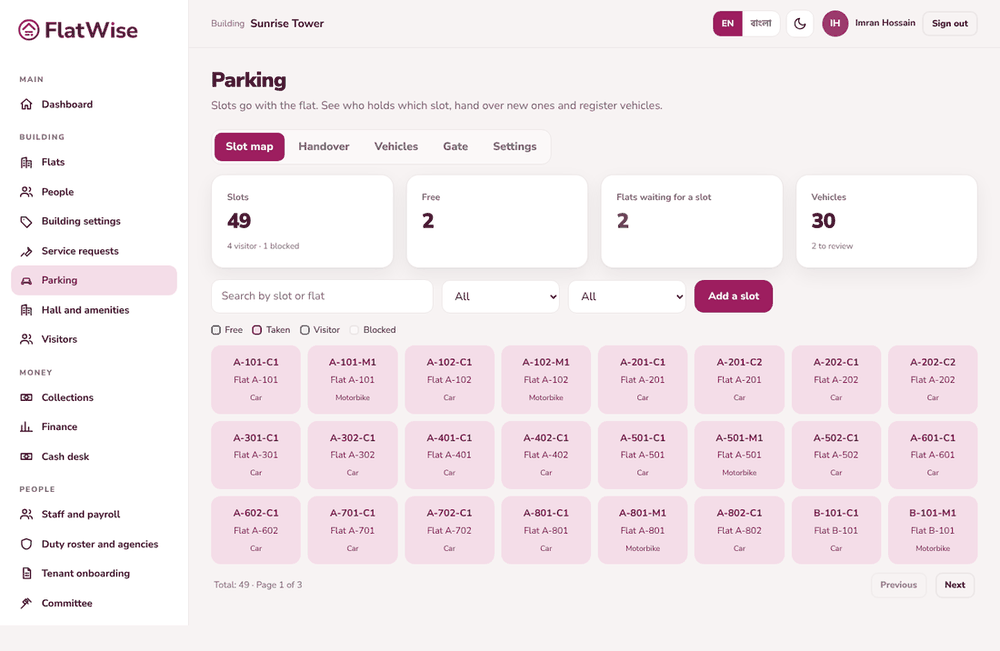
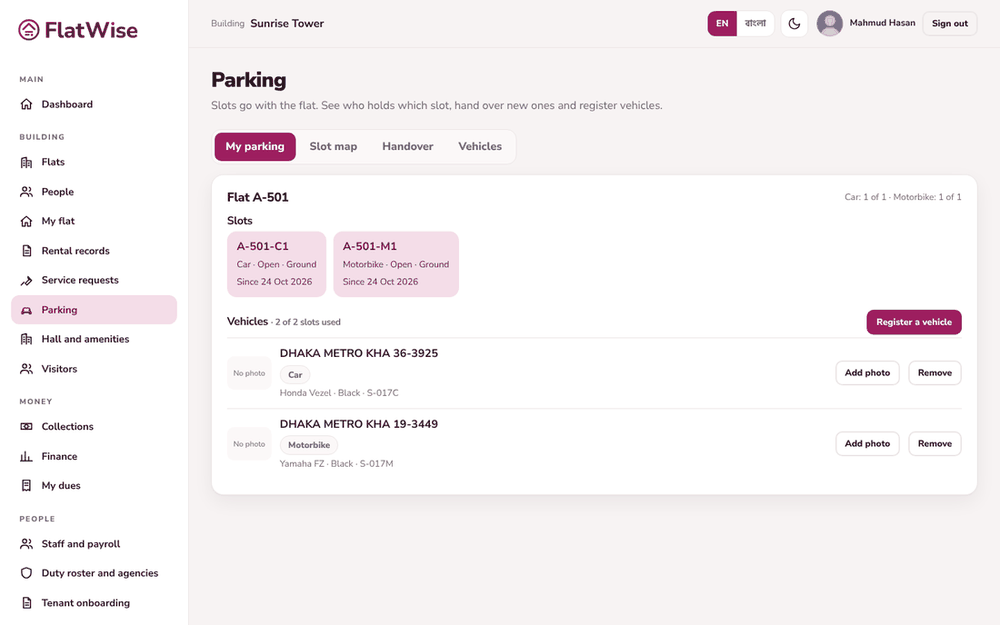
Parking slot mapMy parking and vehicles
Steps
Resident: open Parking, My parking. You see your flat's slots and the limit of vehicles. Press Register a vehicle, enter the registration number, kind, make, colour and sticker, and save.
Admin: open Slot map to see slots by status. Open a slot to give it to a flat, move it, take it back, block it or swap with another flat.
Admin: in Handover you see free slots and flats still waiting for one.
Admin: in Vehicles, review vehicles marked To review after a tenant moved out. Keep or remove them.
Guard: open Gate, type any part of a plate and press Check. To log a visitor car, choose a free visitor bay and log it in and out.
Tips
Creating flats with car and bike slots makes the slots automatically.
An extra vehicle can get a temporary permit from the admin.