Assign each request, fix it before its deadline and close it with the resident's confirmation.
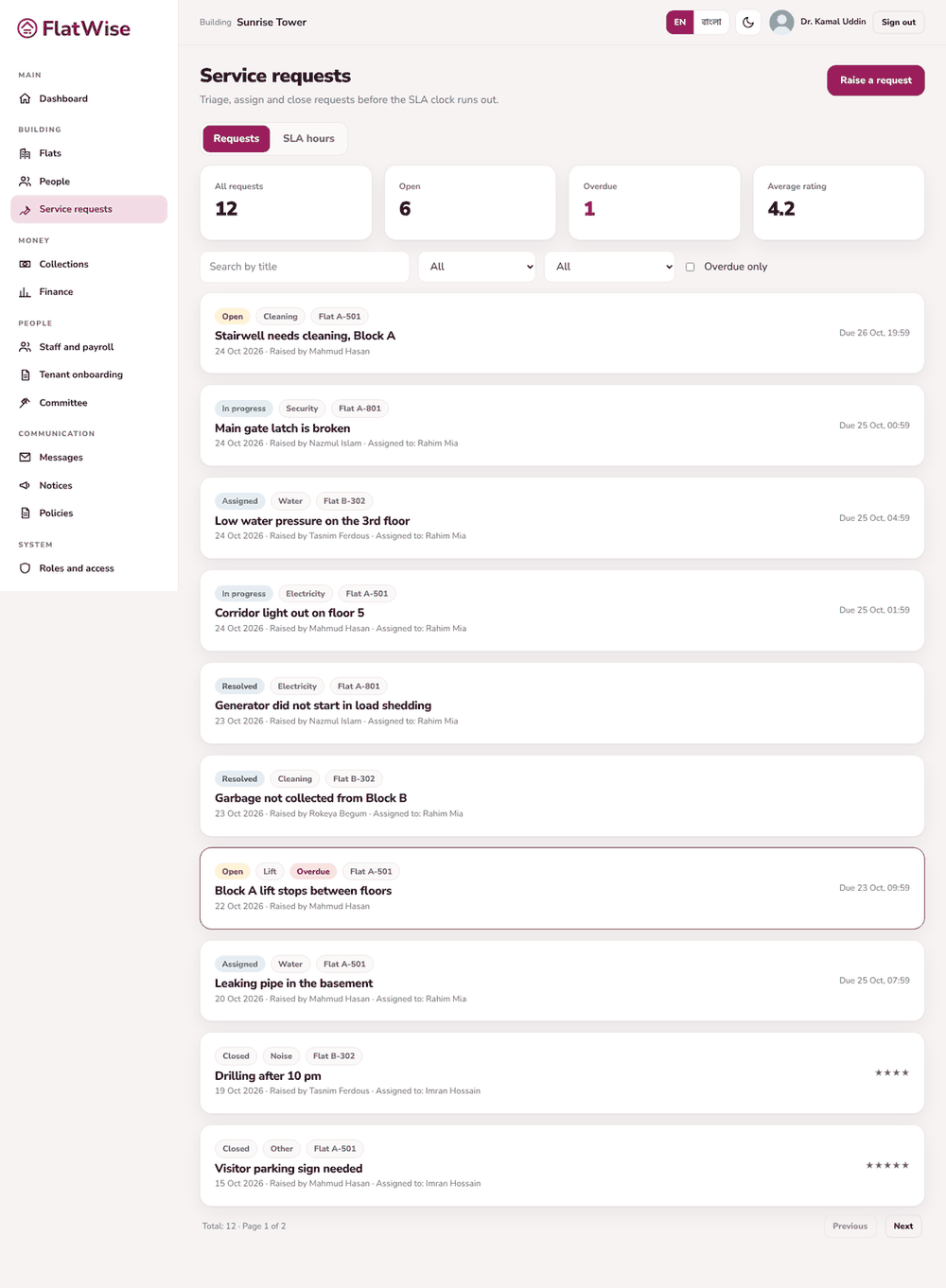 Requests with SLA for the committee
Steps
- Open Service requests. Overdue requests are flagged; tick Overdue only to focus on them.
- Open a request and press Assign. Choose a staff member.
- The assignee presses Start work and later Mark resolved, adding comments as they go.
- The resident confirms and closes it, or reopens it once. A closed request can be rated.
- The summary shows total requests and the average rating.
Tips
Each category has its own service hours. The admin can change them.
Use the search box to find an old request by title.
Still stuck? Contact support
Tell us the screen, what you tried and what you saw. Do not send passwords.
Hours
[SUPPORT HOURS, for example Sat to Thu, 9:00 to 18:00]Send us a message

