Written for:Property AdminAgency ManagerCommittee PresidentCommittee SecretaryTreasurerCommittee Member
Running the hall: approvals, fees and handover
Approve requests, set fees and rules, close dates, issue the permit and settle the deposit.
The hall approval queue
Steps
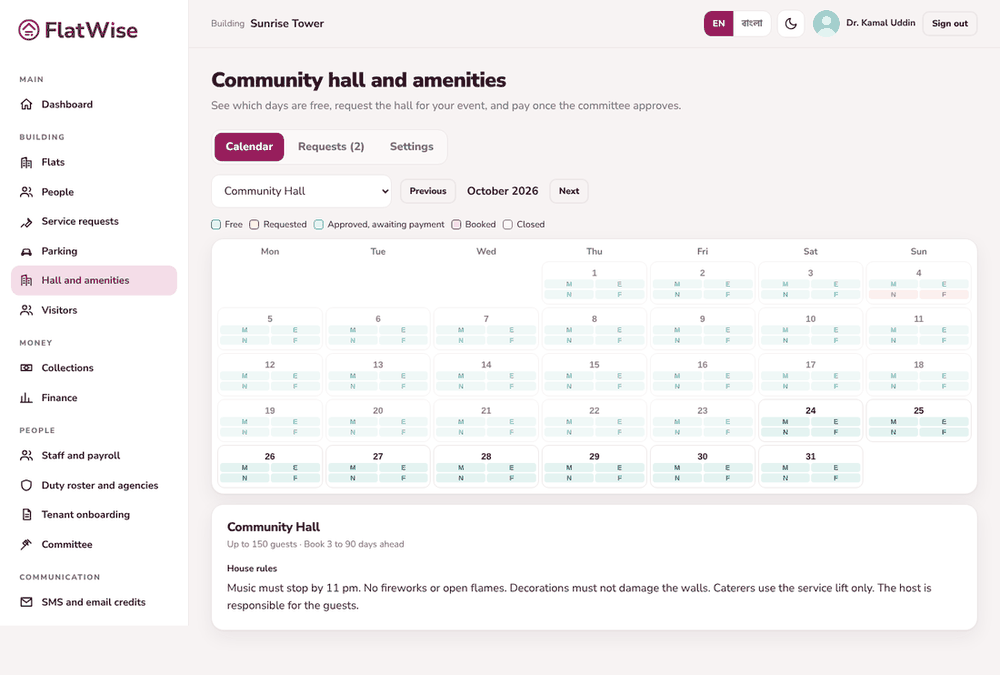
Open Hall and amenities, Requests tab. Open a request and press Approve (an invoice is created) or Reject with a reason.
When the resident pays, take payment from the booking if they pay in person. The booking turns Confirmed.
Press Permit to print the booking permit with the guard checklist. The guard checks it at the gate.
After the event press Handover check, enter any damage to deduct, then Record refund for the deposit that goes back.
In Settings add amenities with slot fees for owners and tenants, rules, notice days, payment days and the cancellation refund. Close dates for Eid or repairs.
Tips
Closing a date does not cancel existing bookings; you are told how many are affected.
Booking invoices are normal invoices and appear in Collections.