Plan what each category may spend, compare with real spending, and keep a register of lifts, generators and other assets.
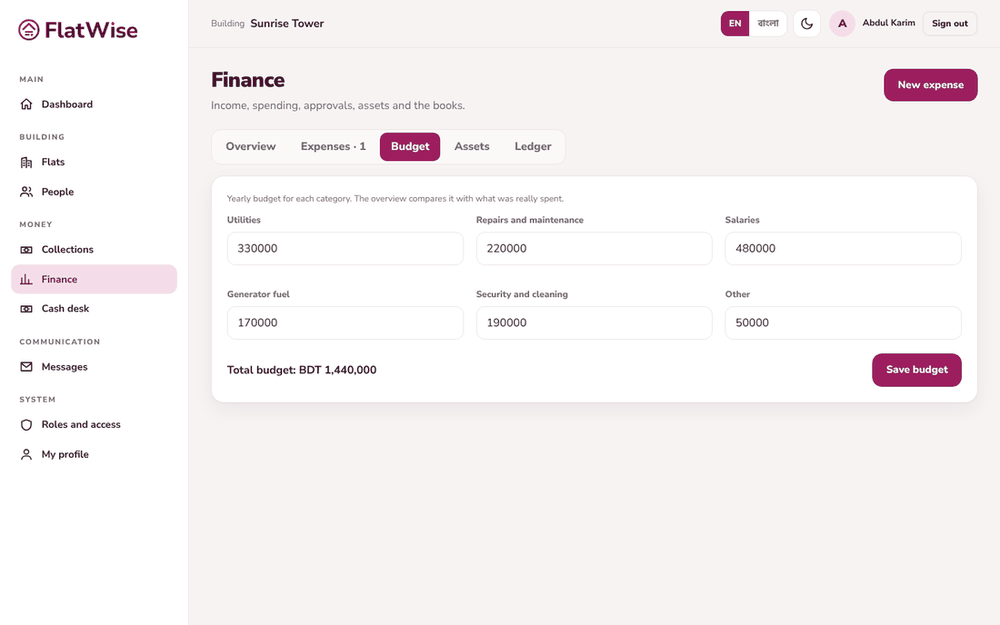 Yearly budget
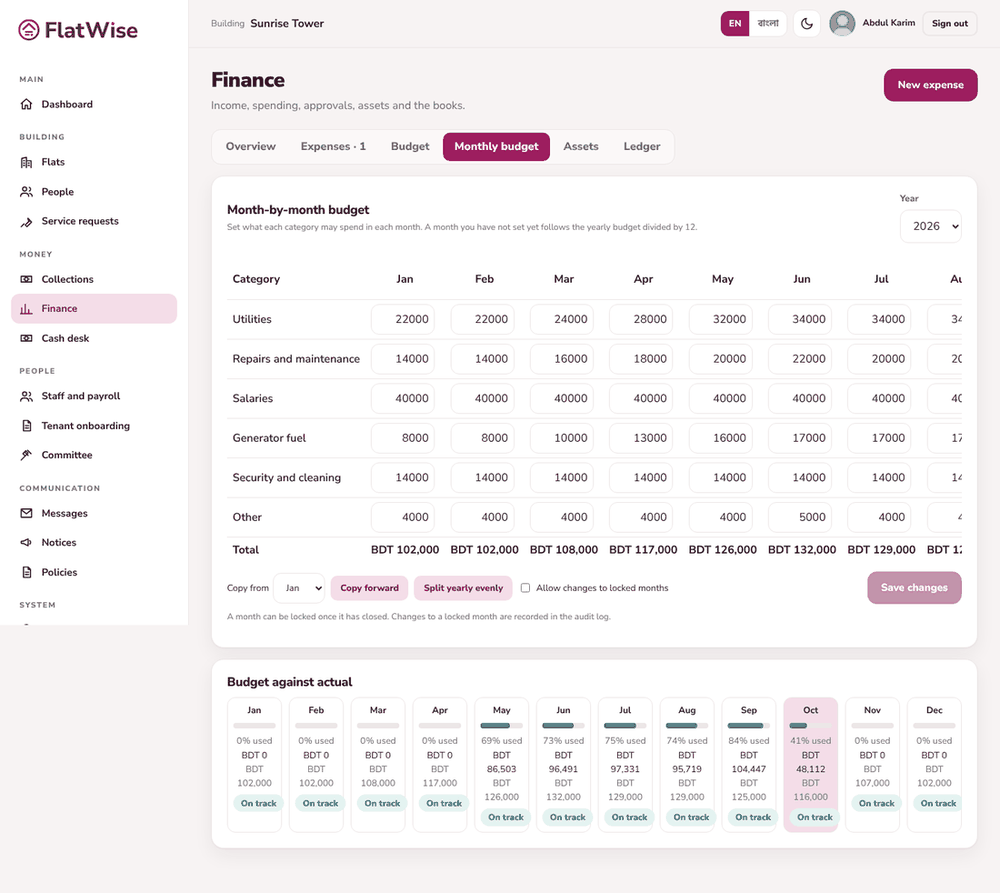 Month-by-month budget grid
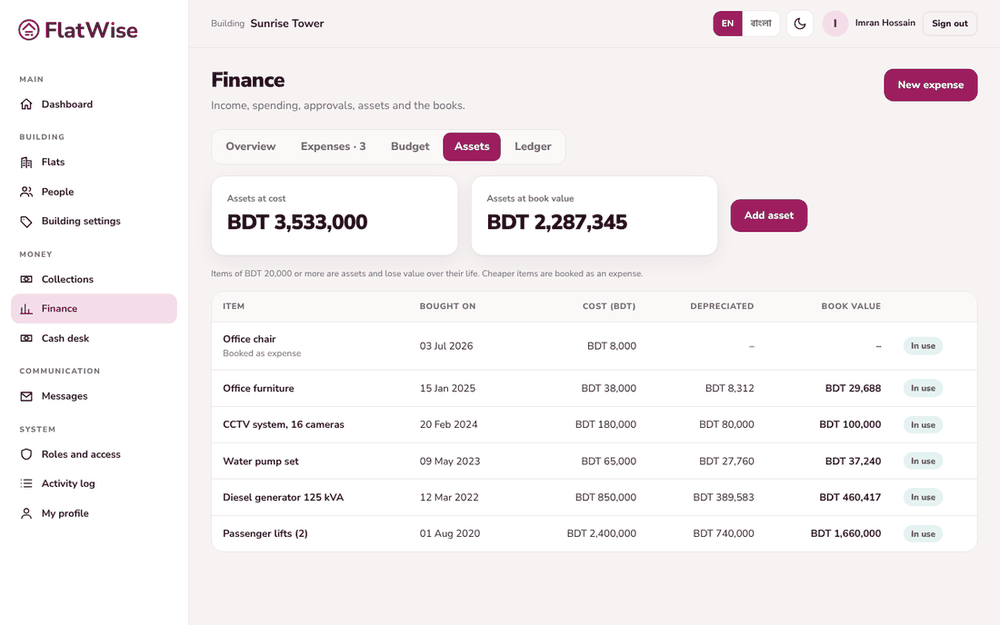 Fixed assets
Steps
- Open Finance, Budget tab. Enter a yearly amount for each category and save. The Overview compares it with what was really spent.
- For finer control open the Monthly budget tab. Set each month, use Copy forward to repeat a month, or Split yearly evenly to divide the year by 12.
- Lock a month once it has closed. Changes to a locked month need an override and are recorded in the activity log.
- Open the Assets tab and press Add asset. Enter item, cost, date bought and useful life.
- Items of BDT 20,000 or more become assets and lose value over their life. Cheaper items are booked as an expense.
Tips
A month you have not set follows the yearly budget divided by 12.
Disposing of an asset records it as written off.
Still stuck? Contact support
Tell us the screen, what you tried and what you saw. Do not send passwords.
Hours
[SUPPORT HOURS, for example Sat to Thu, 9:00 to 18:00]Send us a message

