A permanent record of important actions: who did what, and when.
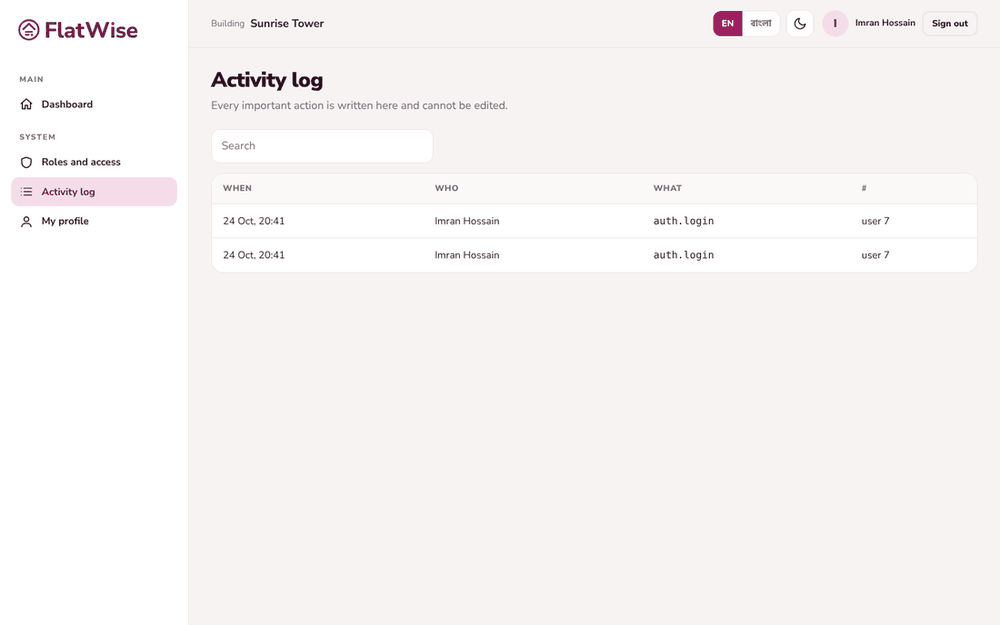 The activity log
Steps
- Open Activity log from the menu.
- Each line shows the person, the action (for example billing.payment.add) and the time.
- Admins and the president see their whole building. Others see only their own actions.
- The log is append-only. Nobody can edit or delete a line, and it is chained so tampering can be detected.
Tips
Showing a full National ID, overriding the gate and exporting data are all logged.
The log is never purged, even by the retention settings.
Still stuck? Contact support
Tell us the screen, what you tried and what you saw. Do not send passwords.
Hours
[SUPPORT HOURS, for example Sat to Thu, 9:00 to 18:00]Send us a message

