One sign-in for all the buildings your agency runs, with occupancy side by side.
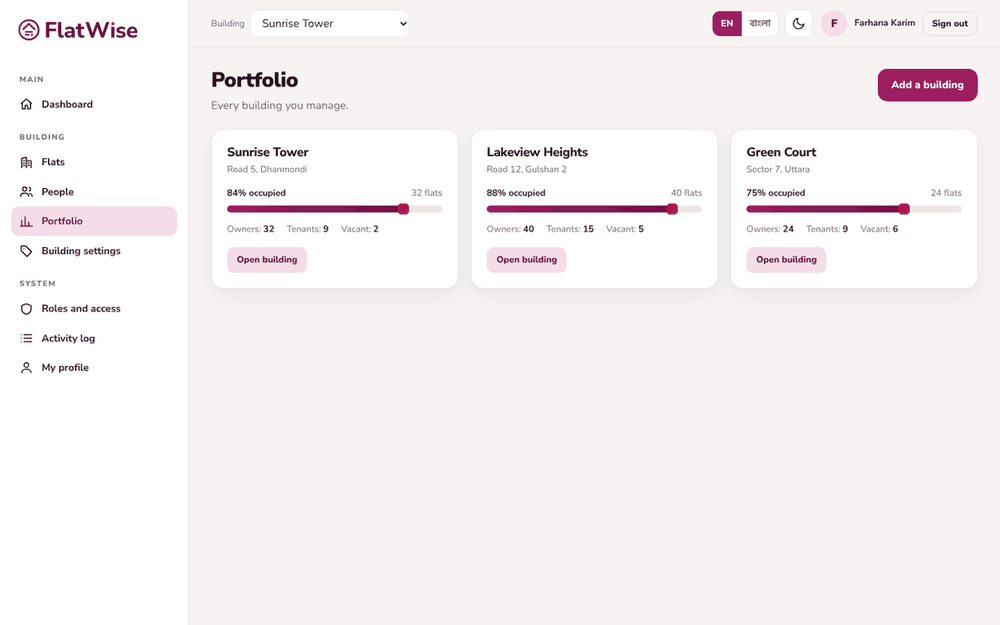 Every building you manage
Steps
- Open Portfolio. Each card is one building with flats and how full it is.
- Press Add a building, enter name, address, city and floors, and save.
- Press Open building to work inside one. The building box at the top switches between buildings at any time.
- Everything you do inside a building is kept separate from the other buildings.
Tips
An agency manager's role covers every building of the agency, including ones added later.
Each building has its own plan, charges, committee and data.
Still stuck? Contact support
Tell us the screen, what you tried and what you saw. Do not send passwords.
Hours
[SUPPORT HOURS, for example Sat to Thu, 9:00 to 18:00]Send us a message

